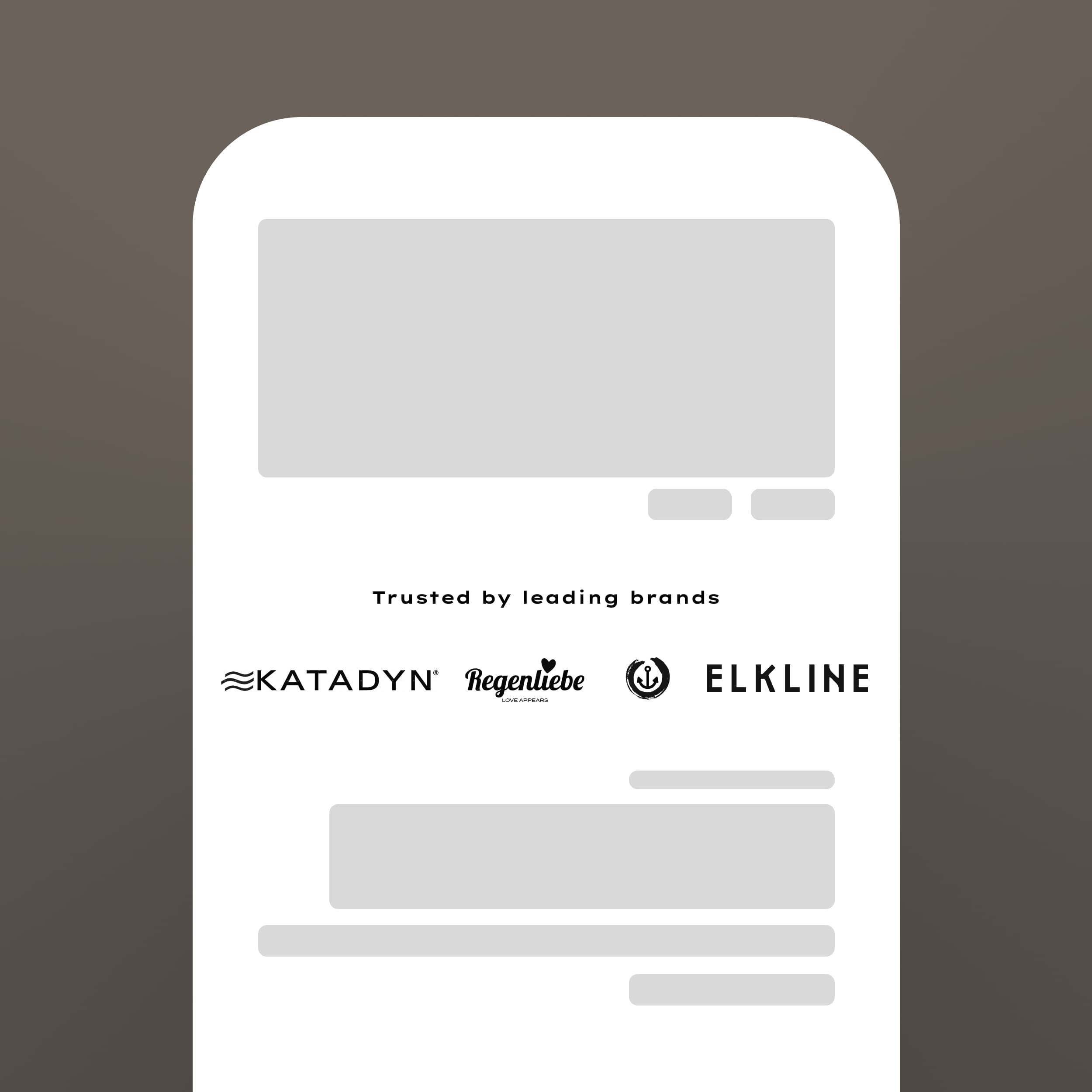
Association builds trust. When customers see logos of brands they recognize—media features, retail partners, or certifications—they transfer that trust to your store.
Trust by Association
'As seen in' sections work because they leverage existing brand equity. A feature in Forbes or partnership with a known retailer signals legitimacy.
The same principle applies to certifications, industry memberships, or brand partnerships. These logos answer the question: 'Who else trusts this company?'
Even if your partners aren't household names, grouping multiple logos together signals that you're an established player with real business relationships.
Section Features
The Logo Slider section provides flexible logo display options.
• Animated infinite scroll - Creates movement and visual interest
• Grid or slider mode - Choose static or dynamic presentation
• Grayscale filter effects - Unify different logo styles
• Pause on hover - Let users focus on individual logos
• Custom links per logo - Make each logo clickable
The animation runs smoothly without impacting performance.
Logo Categories to Feature
What logos should you display? Consider:
Press & media: Publications that have featured you
Retail partners: Stores that carry your products
Certifications: Industry standards or quality marks
Suppliers: Notable ingredients or materials partners
Integrations: Technology platforms you work with
Choose logos that matter to your specific customers.
Conclusion
Logos communicate credibility instantly. The Logo Slider section helps you leverage these trust signals professionally.